Use this section for component sourcing, spare parts discussion, and compatibility-led RFQs tied to laser systems or optical subassemblies.
Components
Optoelectronic components and spare parts for systems that cannot wait for vague sourcing.
Use this section for pump sources, laser crystals, Q-switch-related parts, optical components, control electronics, and harder-to-source spares tied to repair, refresh, or manufacturing projects.
Most component RFQs already look like one of these practical sourcing cases.
The fastest sourcing discussions stay tied to a real platform, a visible label, an installed module, or a failed assembly that needs a practical replacement path.
Case 01
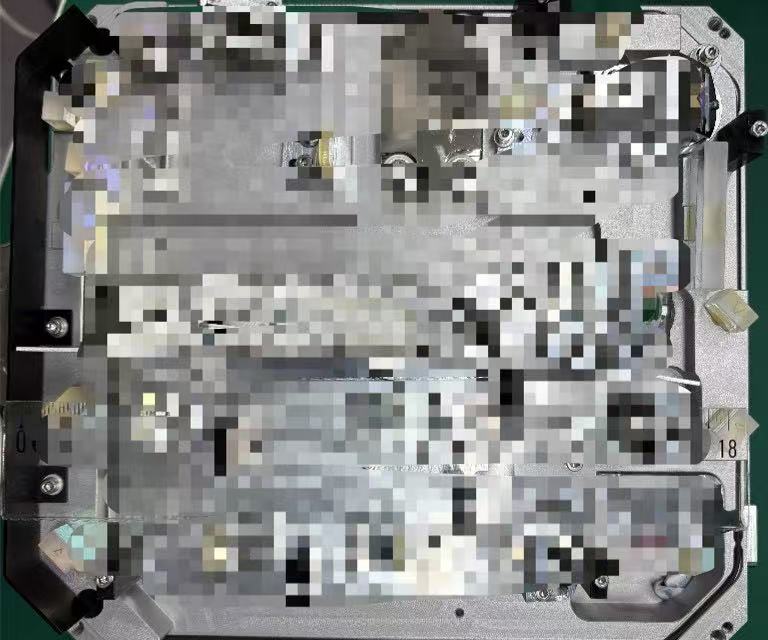
Internal module matching from an open unit and partial labels.
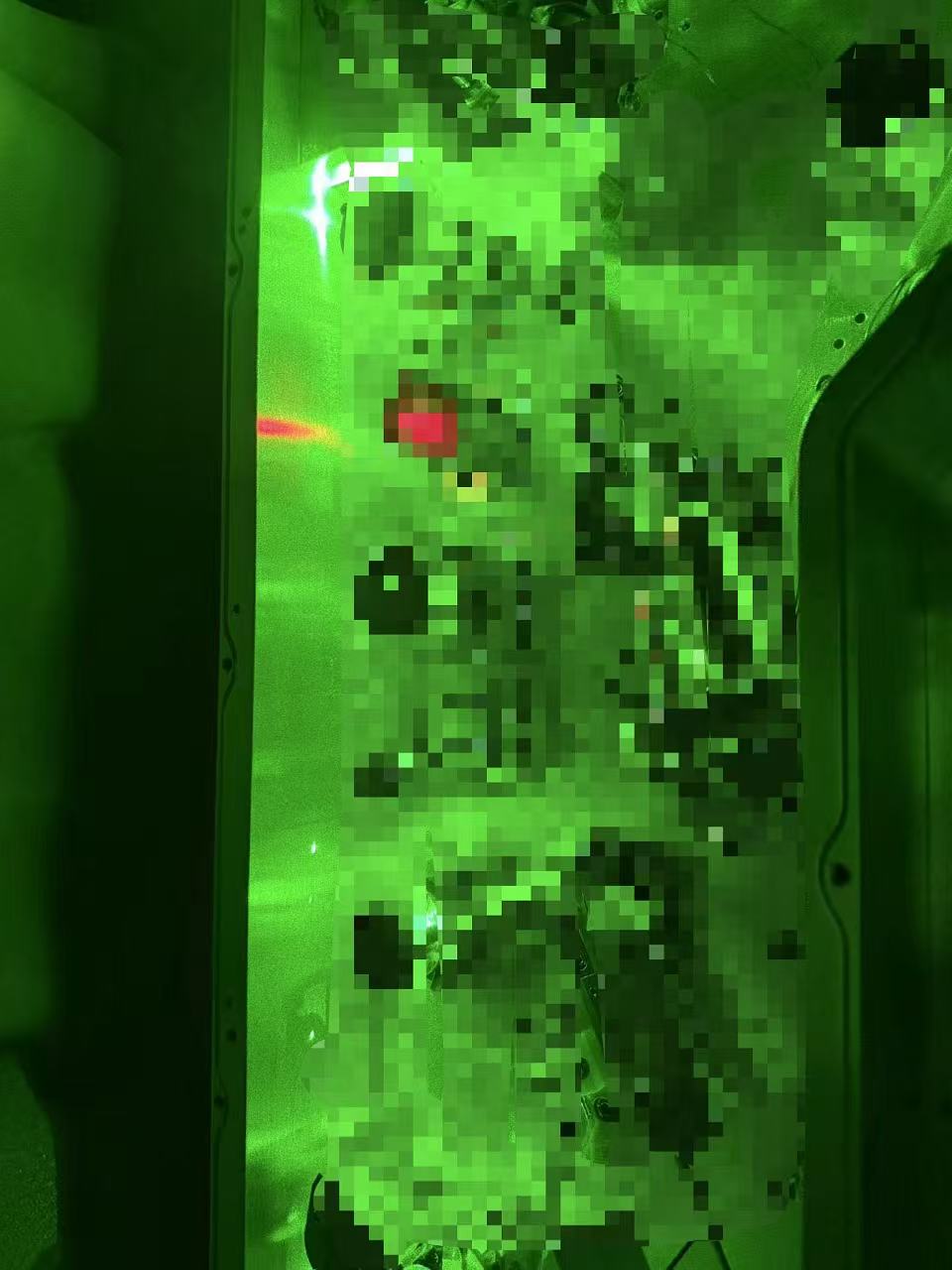
Open-unit photos often make it easier to identify likely replacement paths than incomplete naming alone, especially on older or modified systems.
Legacy spare recovery when the original path is no longer straightforward.
Legacy support is usually a mix of compatibility review, sourcing availability, and the practical decision between replacement, rebuild, or stock planning.
Repair-led sourcing when uptime matters more than catalog browsing.
When a platform is down, the component conversation usually depends on urgency, fit, and whether the buyer needs a part only or a broader support path.
Component groups commonly requested through repair and build projects.
This section is organized by component type because customers often know the part family before they know an exact purchasing code. When in doubt, send photos, labels, and the system model.
Pump sources
Diode and pump-side replacements
Use this route when the request is tied to pump-source continuity, replacement planning, or subsystem refresh inside a larger laser platform.
Part requests move faster when they are tied to a real platform.
A part number helps, but it is not mandatory. A clearer inquiry usually starts with the system model, application, visible labels, and a photo of the installed component or mounting area.
Platform context
System model, OEM, and application
Share the platform name first. That helps separate generic component requests from platform-specific sourcing needs.
Part visibility
Labels, dimensions, photos, and connector views
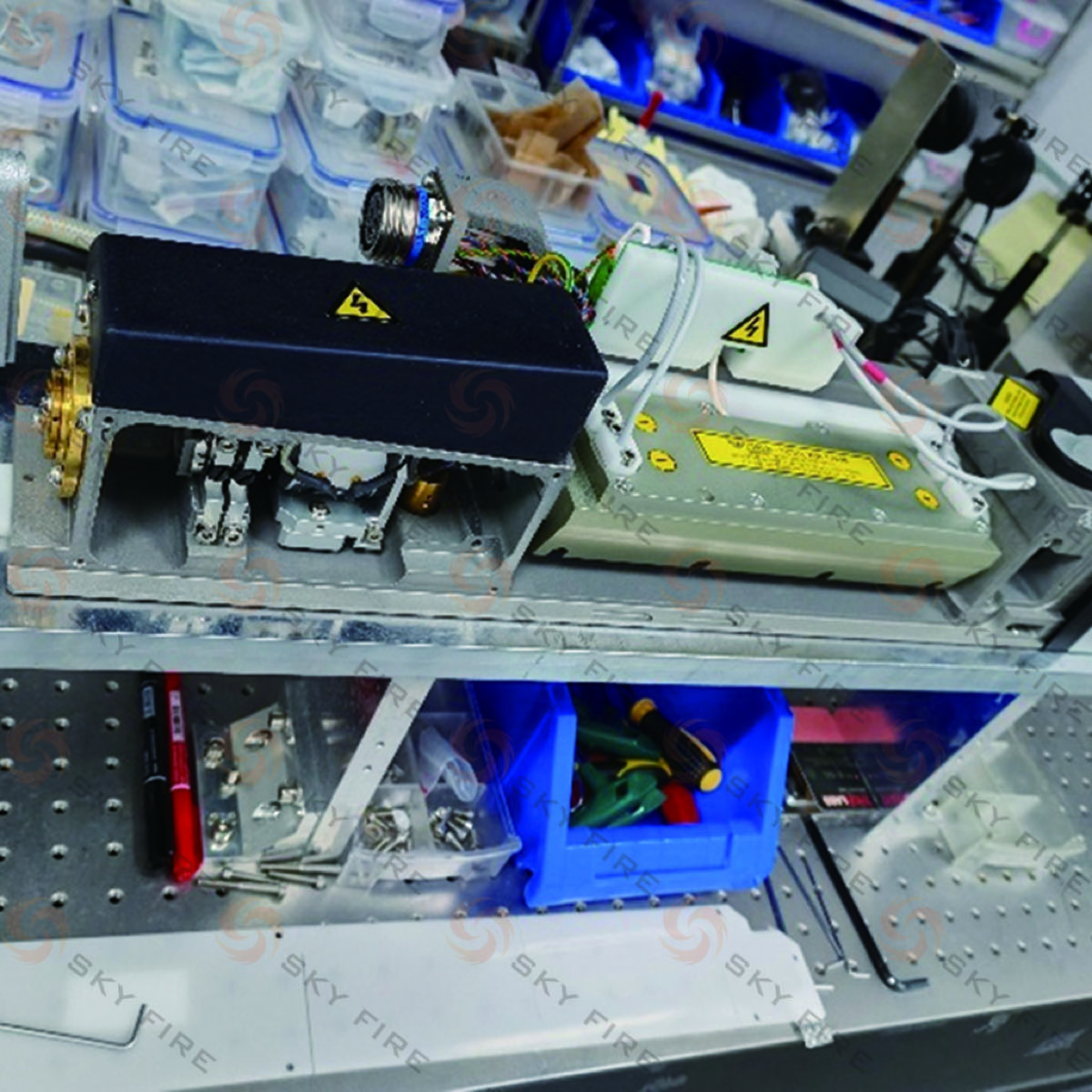
Photos of labels, dimensions, mounting interfaces, and nearby connectors often speed sourcing more than incomplete part names.
Commercial goal
Replacement, backup stock, or project sourcing
Tell us whether the request is for immediate replacement, future inventory, or a build project. That changes the recommended sourcing path.
Typical Outcomes
Most component RFQs end in one of three practical sourcing paths.
Not every component request ends with the same output. Some can move quickly as a matched replacement, while others need a compatibility check or a broader sourcing package tied to an installed system.
Matched replacement
Best when the part identity is already clear enough to quote
Useful when labels, dimensions, interfaces, or installed photos already point to a straightforward replacement path.
Compatibility review
Best when the part family is known but the exact fit still needs checking
Useful when the buyer knows the system and likely component type, but still needs help narrowing the right replacement before ordering.
Consolidated sourcing package
Best when the request involves multiple parts or a wider continuity decision
Useful when the customer needs a broader answer around spares, alternates, or multiple related parts instead of a single purchasing code.
Typical RFQ Cases
Three sourcing requests that usually fit this section best.
If the request already looks like one of these, it usually belongs in Components rather than in a full repair intake.
Pump-source replacement
An installed solid-state platform needs the right pump-side continuity path
Use this when the system is known, the failed section is already narrowed down, and the next step is matching the replacement source or module.
Component sourcing is the right path when the buyer already knows the problem is not a full repair program.
This section works best when the request is clearly about parts, modules, optics, or electronics. If the real issue is still fault isolation or repair feasibility, the repair directory is usually the better entry point.
Best for
Replacement-led requests tied to a known unit or failed module
Use this route when the installed platform is already known and the main goal is to source the right replacement part or module quickly.
Best for
Legacy continuity cases where fit matters more than catalog browsing
Older systems often need a practical sourcing decision based on photos, labels, and system history rather than a neat purchase code.
Use repair instead
Fault diagnosis still comes before any part decision
If the customer is not yet sure whether the failure sits in the source, optics, electronics, or mechanics, repair intake is usually the right first step.
Next Action
Send the system context and the visible part details you already have.
You do not need a perfect purchasing code to begin. A good component RFQ starts with a platform name, a clear photo, and the purpose of the replacement.