LC CB5 laser repair and display-line source evaluation.
Use this page when the display manufacturing platform is identified as LC CB5. It is the right starting point for repair review, laser-related troubleshooting, and file exchange tied to this specific platform.
A clear LC CB5 model reference, current production impact, visible alarms, and any available equipment photos are usually enough to start the repair conversation.
Common situations
Source instability, startup issues, alarm events
Typical requests involve unstable performance, laser-side faults, start-up problems, alarm events, or broader evaluation before deciding between repair and replacement.
Useful attachments
Labels, photos, fault notes, service records
Supporting files help confirm whether the Light Conversion reference matches the installed source and whether additional subsystem review is required.
Evaluation Focus
What we usually confirm first for LC CB5 display-line service cases.
LC CB5 cases usually move from tool confirmation into source review, line-impact assessment, and paired-laser verification. If the Light Conversion reference is already known onsite, include it from the start.
Platform confirmation
Confirm the installed unit and visible configuration
Start from the equipment name, visible labels, installed position, and any recent service history so the review is tied to the correct platform from the beginning.
Failure review
Check symptoms, alarms, and source-side behavior
Current symptoms, interlocks, startup behavior, drift, or output changes usually provide enough context to narrow whether the issue is source-related, integration-related, or broader platform-side.
Next-step decision
Decide repair, replacement, or parts support
Once the platform and paired source are confirmed, the next step is usually a practical choice between bench repair, source replacement, compatible parts, or a broader commercial quote.
Platform Visuals
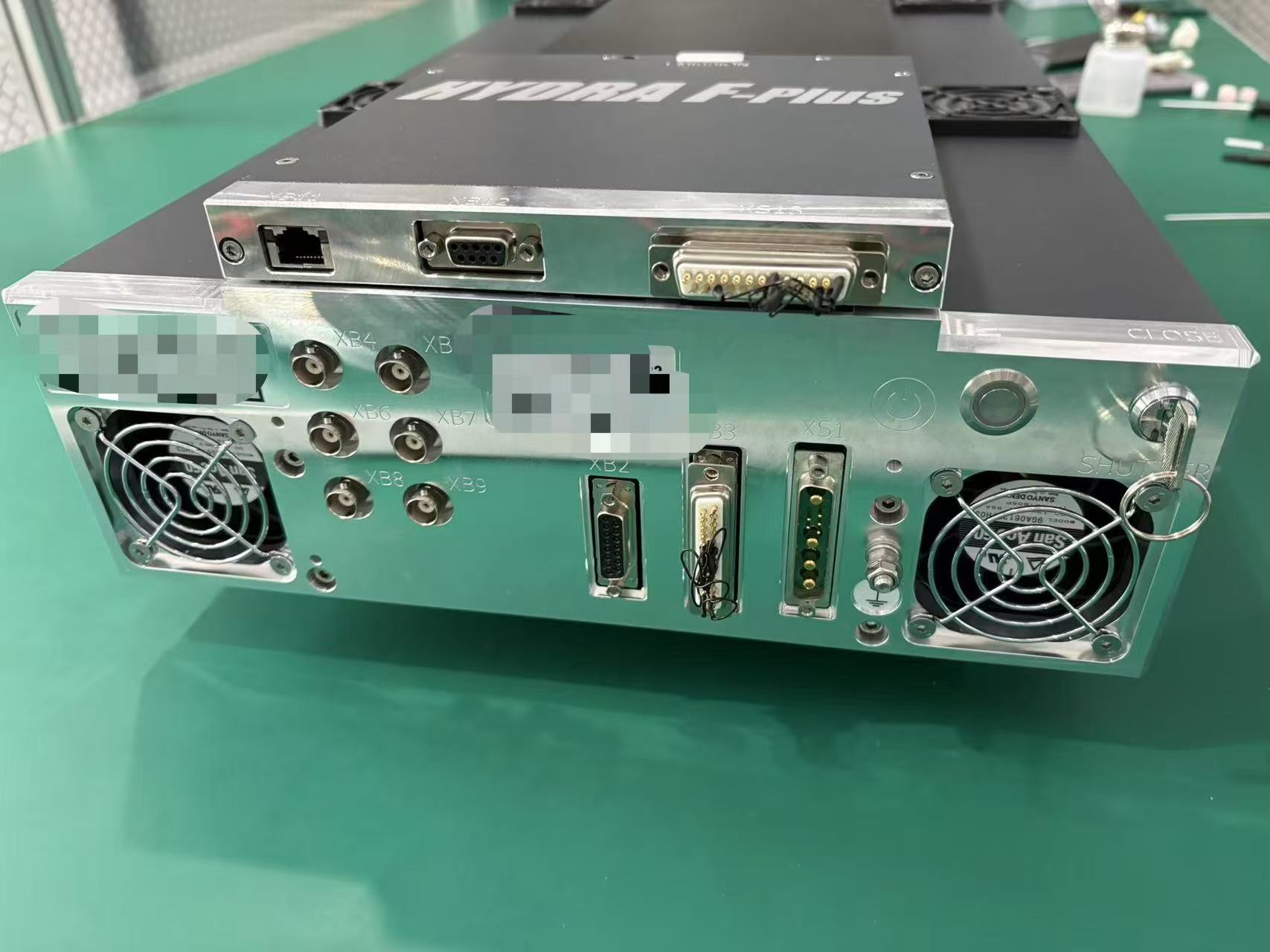
Available photos for LC CB5.
These images help buyers confirm that the platform matches LC CB5 before sending detailed files.
Exterior view
Whole-unit reference
Useful for confirming the installed platform from the overall unit appearance.
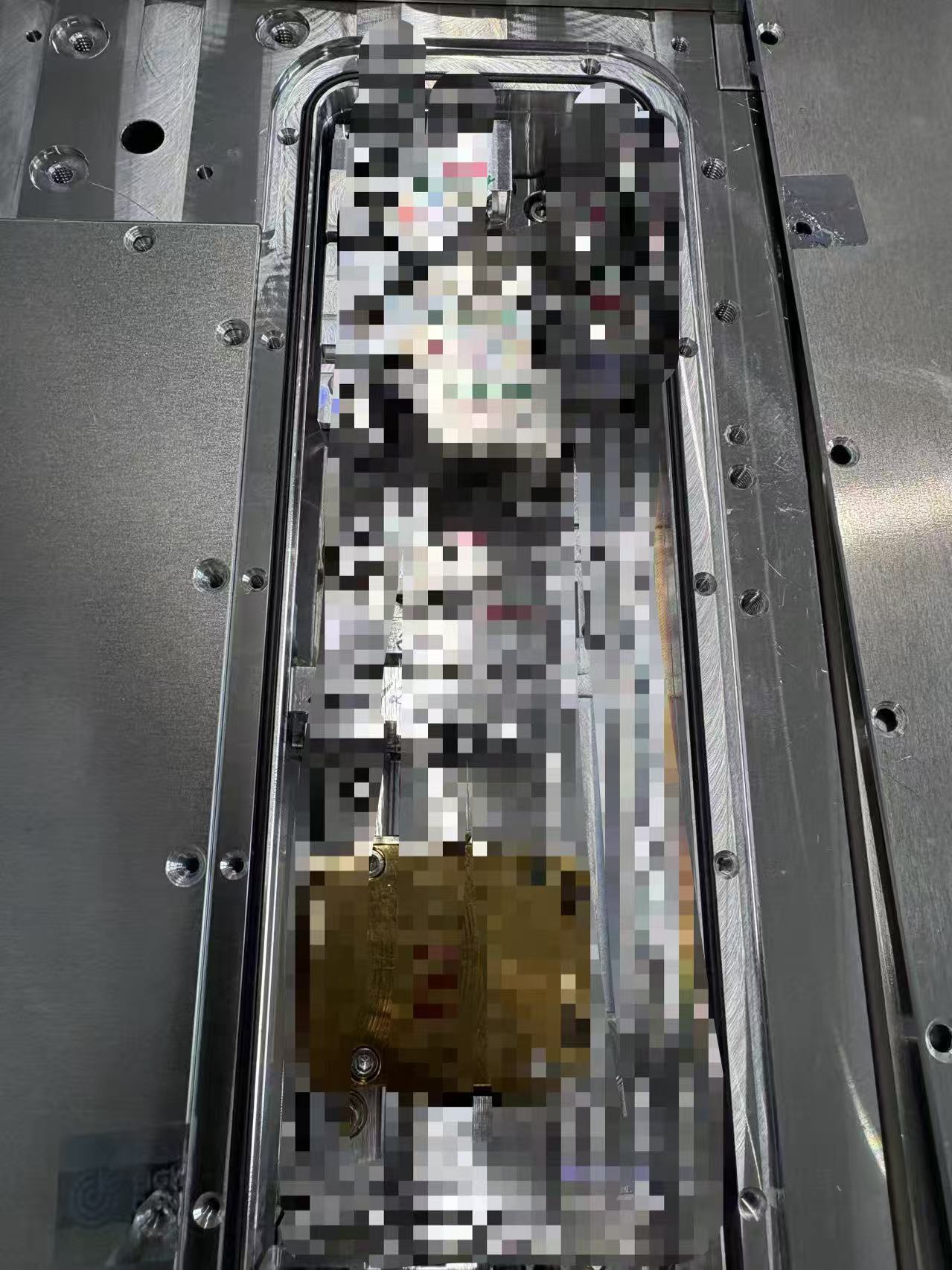
Equipment interior
Interior reference
Helpful when equipment photos are already available or when the laser area can be safely inspected.
Reference
Paired laser.
If the installed laser source is already confirmed, this reference can support compatibility checks and repair discussion.
Paired laser
Light Conversion CB-5
Use this laser reference when it appears in service records or can be confirmed from labels and installed-module photos.
RFQ Checklist
Send the LC CB5 model name, display-line context, and current symptoms.
You can begin with the platform identity alone and add the Light Conversion laser reference when it is already known.