Industrial laser repair support for production-side source continuity.
This section focuses on industrial processing platforms where buyers usually need practical repair review, source replacement judgment, or compatibility confirmation under uptime pressure.
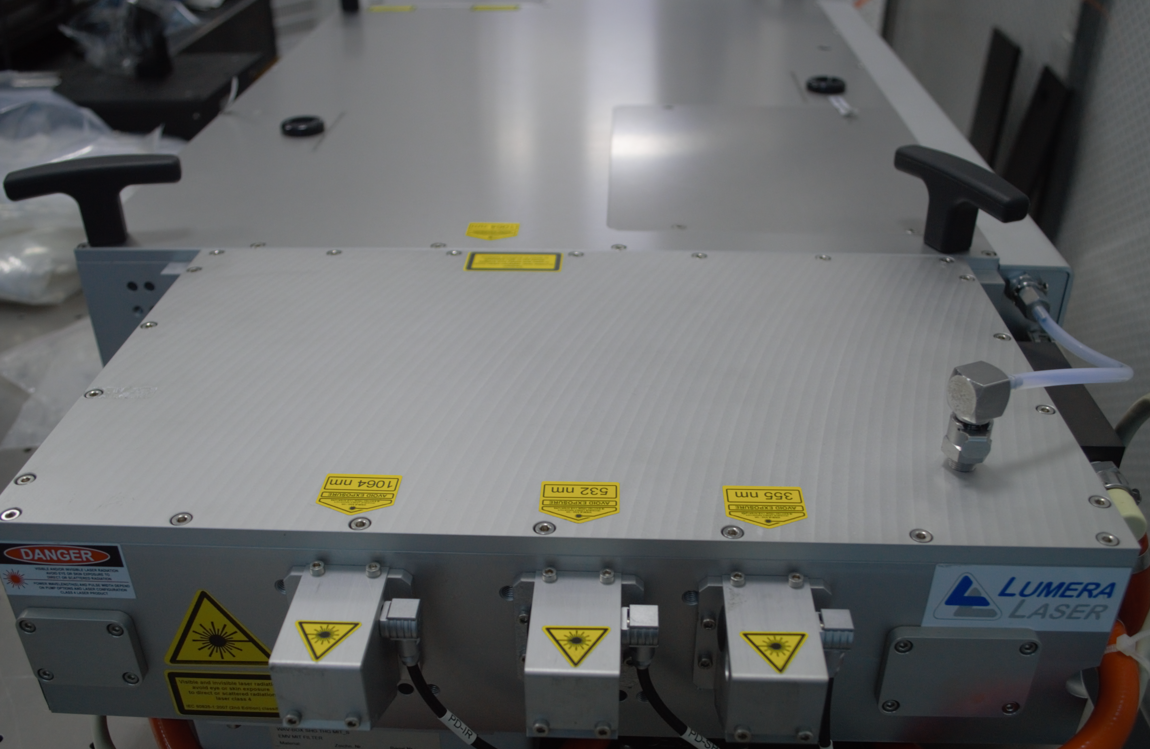
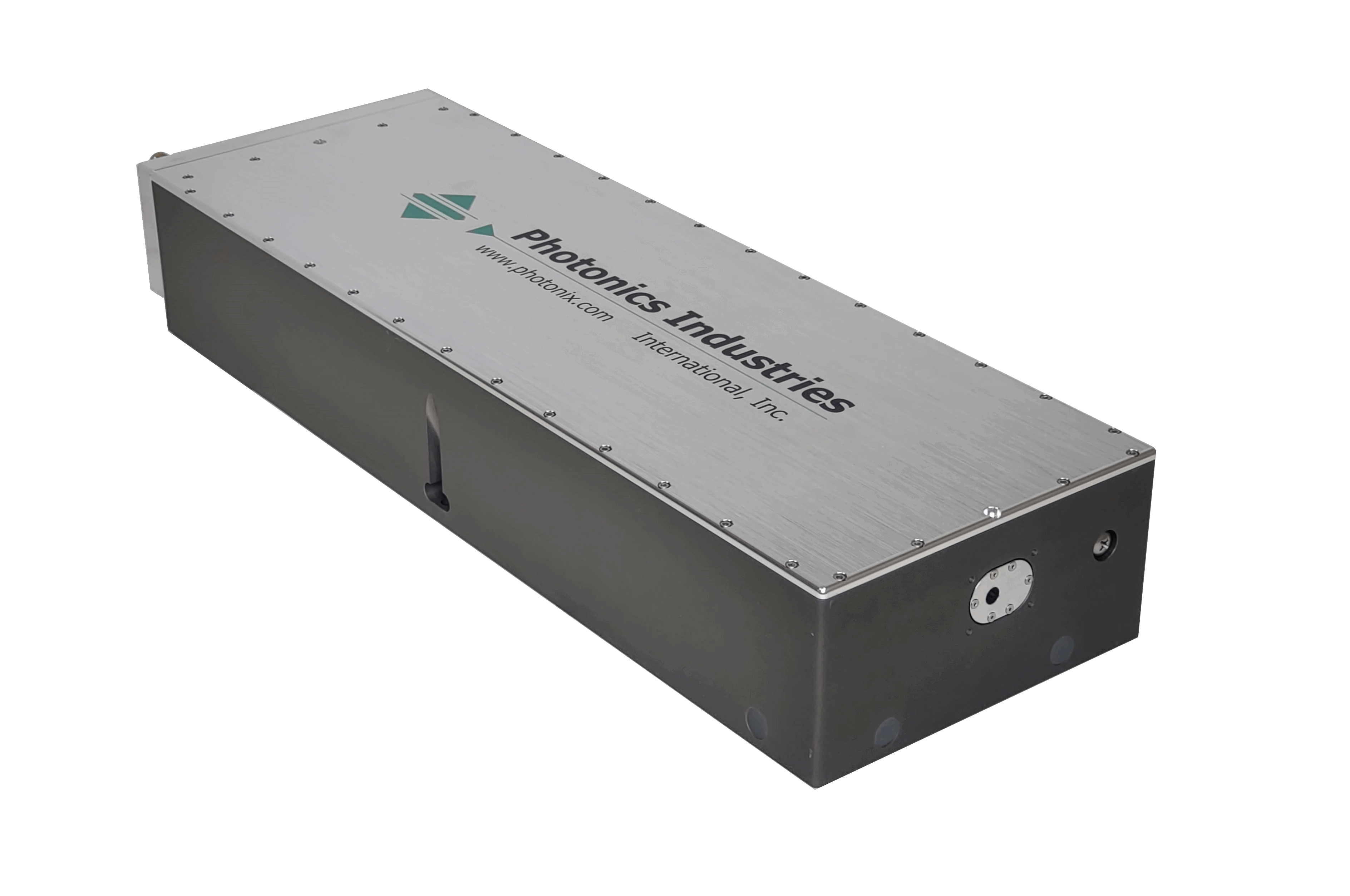
These reference images help separate production-side source issues from generic repair requests. Buyers can use them to match the installed unit before opening a model page.
Lumera
RAPID
Use RAPID for installed source review, production interruption cases, and replacement-path discussion.
Industrial repair requests usually begin with the process step, installed source name, and uptime impact.
For industrial processing systems, the first useful question is not only what failed, but where the source sits in the production step and how quickly output is being affected.
Process context
Start with the tool and process step
Cutting, trimming, or other production-side context helps separate source issues from broader line-side problems.
Installed source
Use the visible model or source label
RAPID and DC 50 requests move faster when the installed source name, external label, or photo is already attached.
Production impact
State whether repair or replacement is more urgent
When uptime pressure is high, it helps to say whether the priority is full repair review, a replacement path, or immediate parts support.
What Helps Most
Production context and source photos move the review faster.
For industrial systems, the most useful first message usually includes the process context, installed source identity, current failure mode, and how urgently production is affected.
Best inputs
Platform name, process step, and operating issue
Tell us whether the problem appears during startup, cutting, trimming, throughput changes, instability, or production interruption.
Best attachments
Source photos, labels, and fault notes
Photos of the unit, source labels, and a short timeline of the fault usually give enough context to start review.
Next Action
Use the installed platform as the starting point for industrial repair review.
If the name is close but not exact, send the production context and source photos through RFQ and we can help narrow the match.