RAPID laser repair for industrial processing
Use this page when the installed industrial-processing platform is identified as RAPID and the need is repair review, source continuity support, or replacement planning under production pressure.

Use this page when the installed industrial-processing platform is identified as RAPID and the need is repair review, source continuity support, or replacement planning under production pressure.
A confirmed equipment name plus the current operating state is usually enough to begin. The rest can be clarified from photos, labels, service notes, or follow-up questions.
Typical requests include performance drift, startup faults, source instability, replacement-path discussion, or review before downtime spreads further.
Clear photos of the unit, any visible labels, a short failure summary, and notes on alarms or recent behavior make the review faster and more accurate.
RAPID cases usually move from installed-source confirmation into failure review, uptime impact, and replacement-path judgment. Even if the source details are incomplete, labels and photos are usually enough to begin.
Start from the RAPID model name, visible source labels, and any recent service or replacement history tied to the production tool.
What matters most is how the fault affects throughput, stability, startup, or process interruption on the line.
Once the platform and impact are clear, the next step is usually a practical choice between bench repair, source replacement, or urgent parts support.
Use these visuals to confirm that your equipment matches the platform before sending a detailed inquiry.
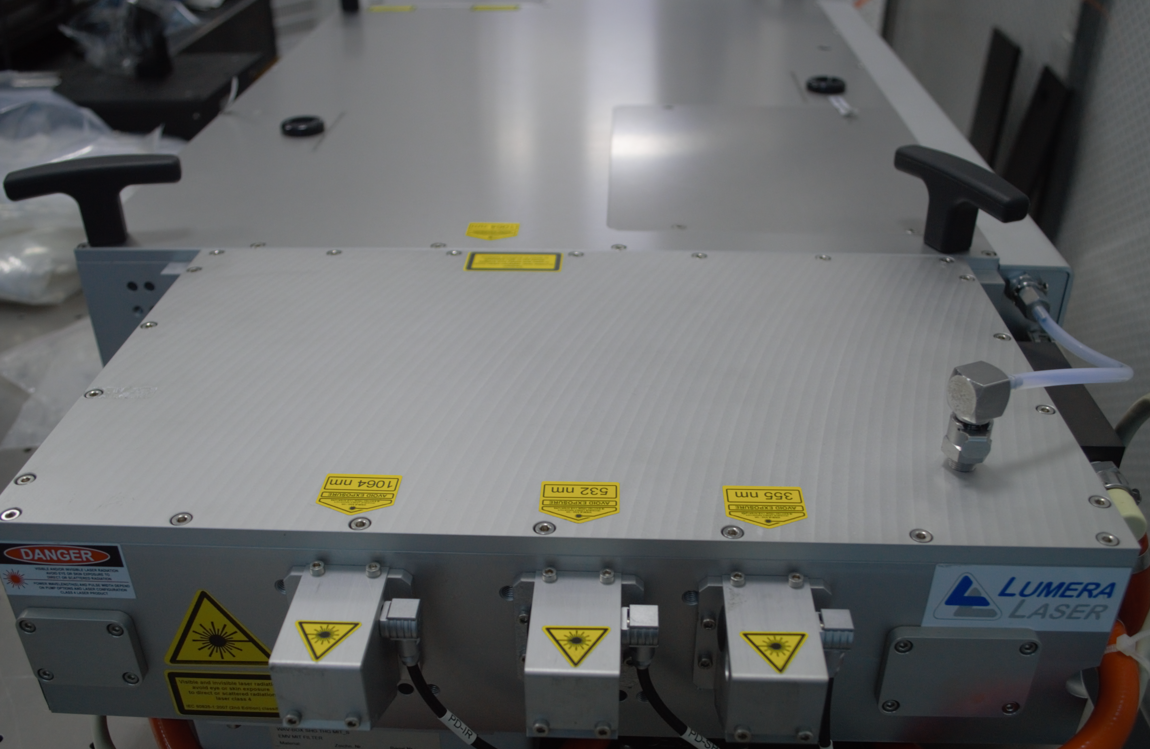
The overall appearance helps confirm the equipment family and installed platform.
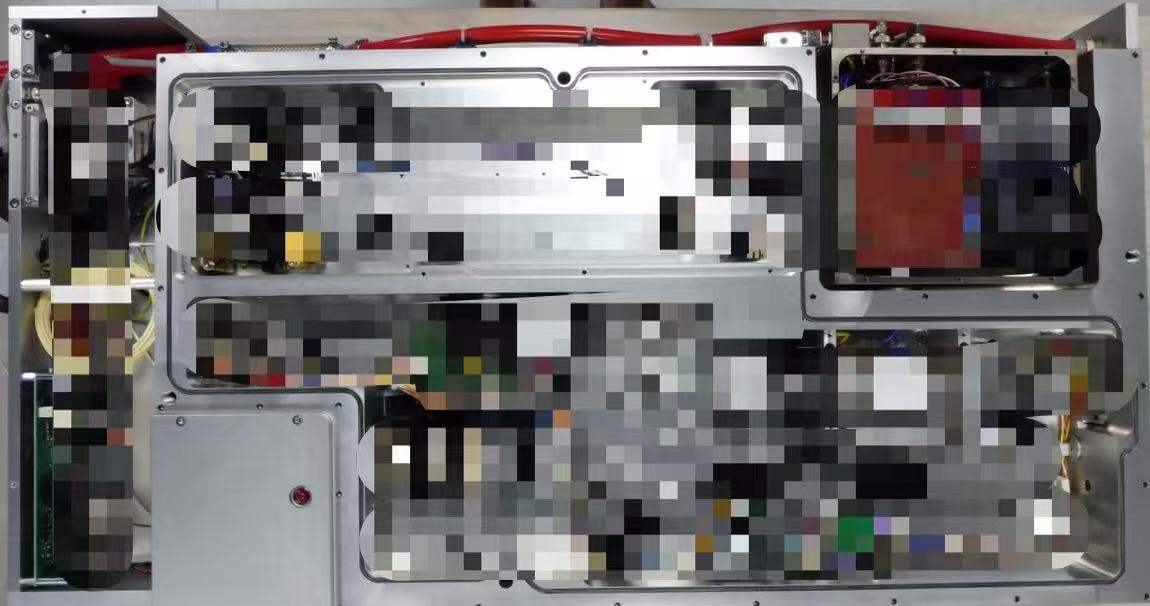
Interior imagery is useful when the source section or service area is already visible and can be compared safely.
You do not need a full diagnosis before reaching out. A clear model reference and supporting files are enough to start a productive review.