Display panel manufacturing laser repair support for production-side source issues.
This section serves display panel production equipment where buyers often begin with the installed platform name and current failure condition. LC CB5 is included here now, and additional verified entries can be added over time.
If you are not fully sure about the model name, compare the photos below with your installed platform before sending the RFQ.
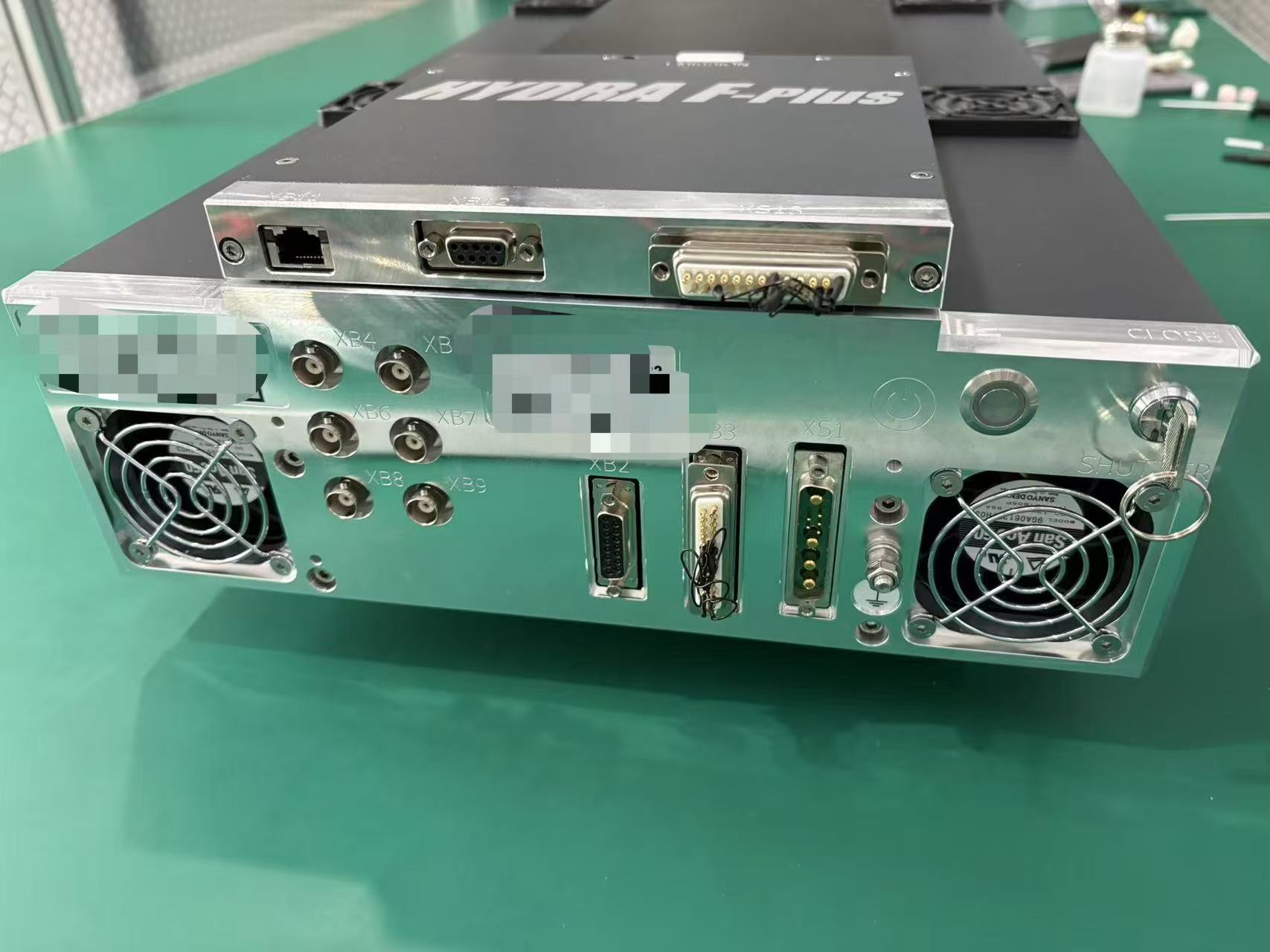
Exterior view
Whole-unit reference
Useful for confirming the platform from external layout and visible label positions.
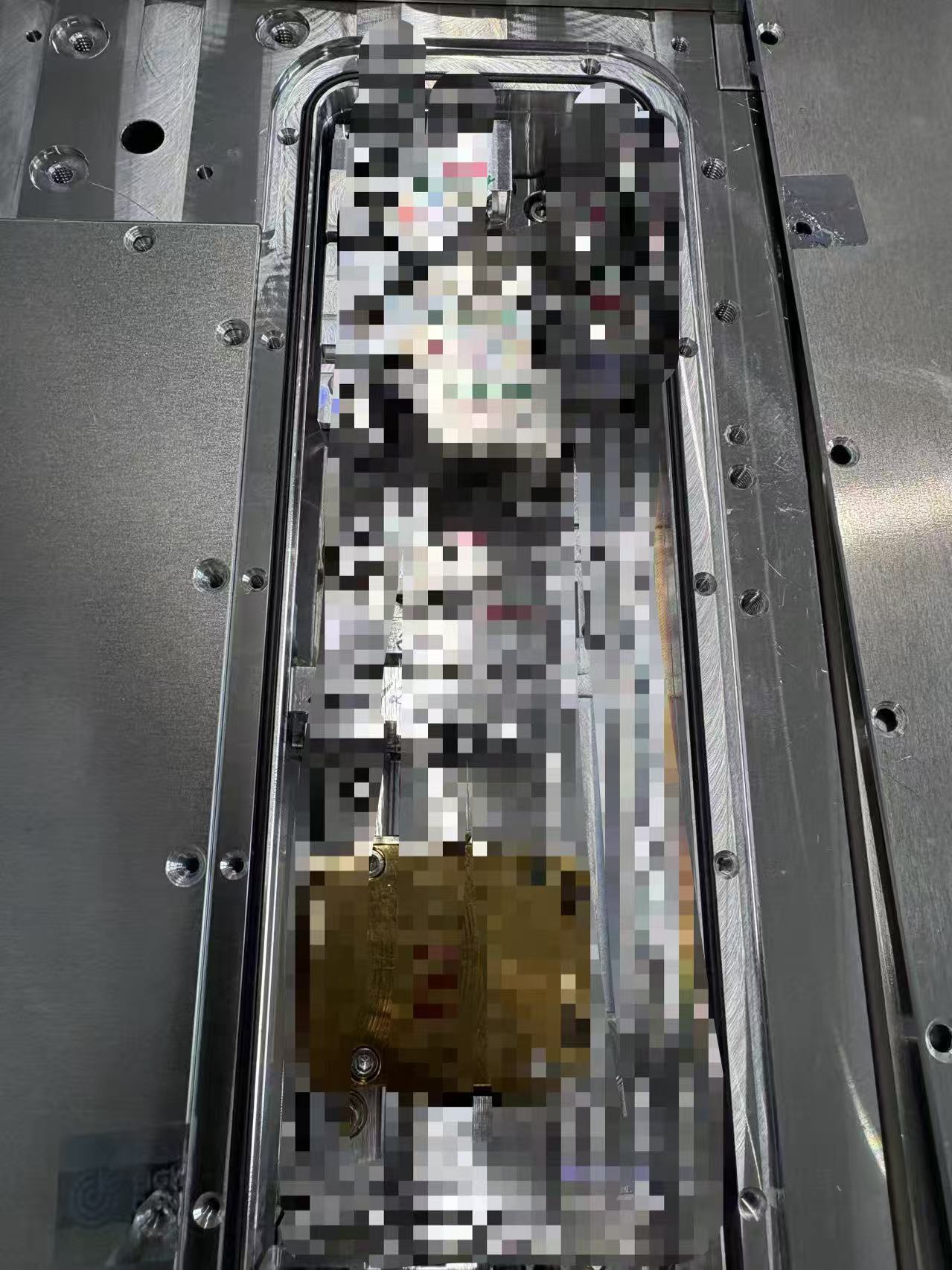
Equipment interior
Interior reference
Helpful when the laser section is already open or when the installed module path needs to be confirmed.
How Requests Usually Start
Display-side reviews usually begin with the installed tool, source labels, and visible panel-line symptoms.
For display production equipment, customers usually know the tool context before they know the exact laser details. That is enough to begin a focused service review when photos and current line behavior are included.
What to confirm first
Tool identity and installed source position
Start with the production tool, the visible platform name, and whether the source is already identified as LC CB5 or a similar entry.
What helps most
Photos, labels, and current line behavior
Photos of the source area, service labels, and a short description of how the issue appears on the line usually shorten the first review cycle.
Best next step
Move from platform match into RFQ
Once the installed platform is close to the published reference, the next step is a repair or replacement-path discussion through RFQ.
Next Action
Use LC CB5 if the platform name or appearance already matches.
If not, send the production context, visible labels, and current symptoms through the main RFQ form.