LC CB5 laser repair and display-line source evaluation.
This page covers LC CB5 repair review, laser-related troubleshooting, and file exchange tied to this specific platform.

This page covers LC CB5 repair review, laser-related troubleshooting, and file exchange tied to this specific platform.
A clear LC CB5 model reference, current production impact, visible alarms, and any available equipment photos are usually enough to start the repair conversation.
Typical requests involve unstable performance, laser-side faults, start-up problems, alarm events, or broader evaluation before deciding between repair and replacement.
Supporting files help confirm whether the Light Conversion reference matches the installed source and whether additional subsystem review is required.
LC CB5 cases usually move from tool confirmation into source review, line-impact assessment, and paired-laser verification. If the Light Conversion reference is already known onsite, include it from the start.
Start from the equipment name, visible labels, installed position, and any recent service history so the review is tied to the correct platform from the beginning.
Current symptoms, interlocks, startup behavior, drift, or output changes usually provide enough context to narrow whether the issue is source-related, integration-related, or broader platform-side.
Once the platform and paired source are confirmed, the next step is usually a practical choice between bench repair, source replacement, compatible parts, or a broader commercial quote.
These images help buyers confirm that the platform matches LC CB5 before sending detailed files.
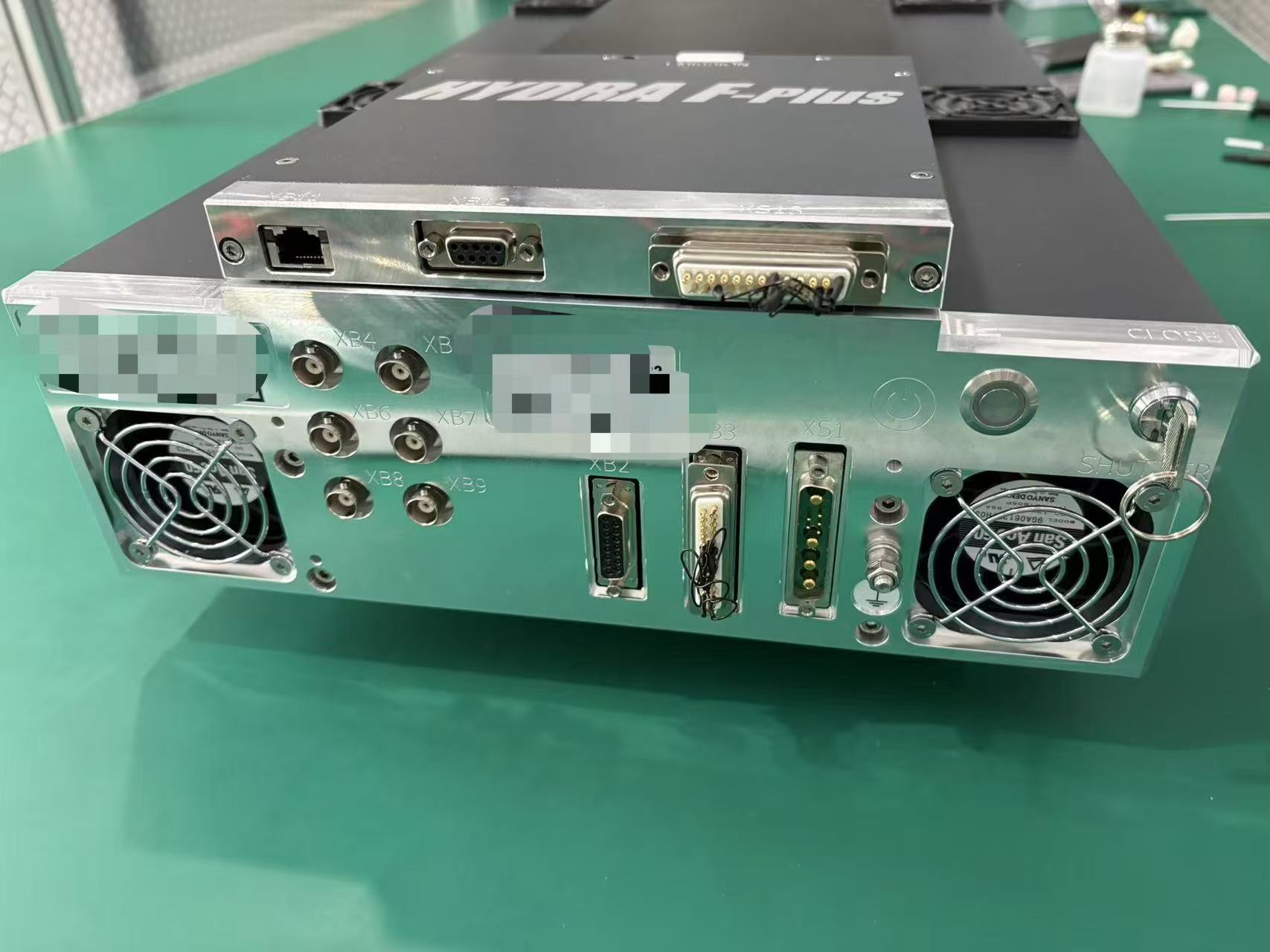
Useful for confirming the installed platform from the overall unit appearance.
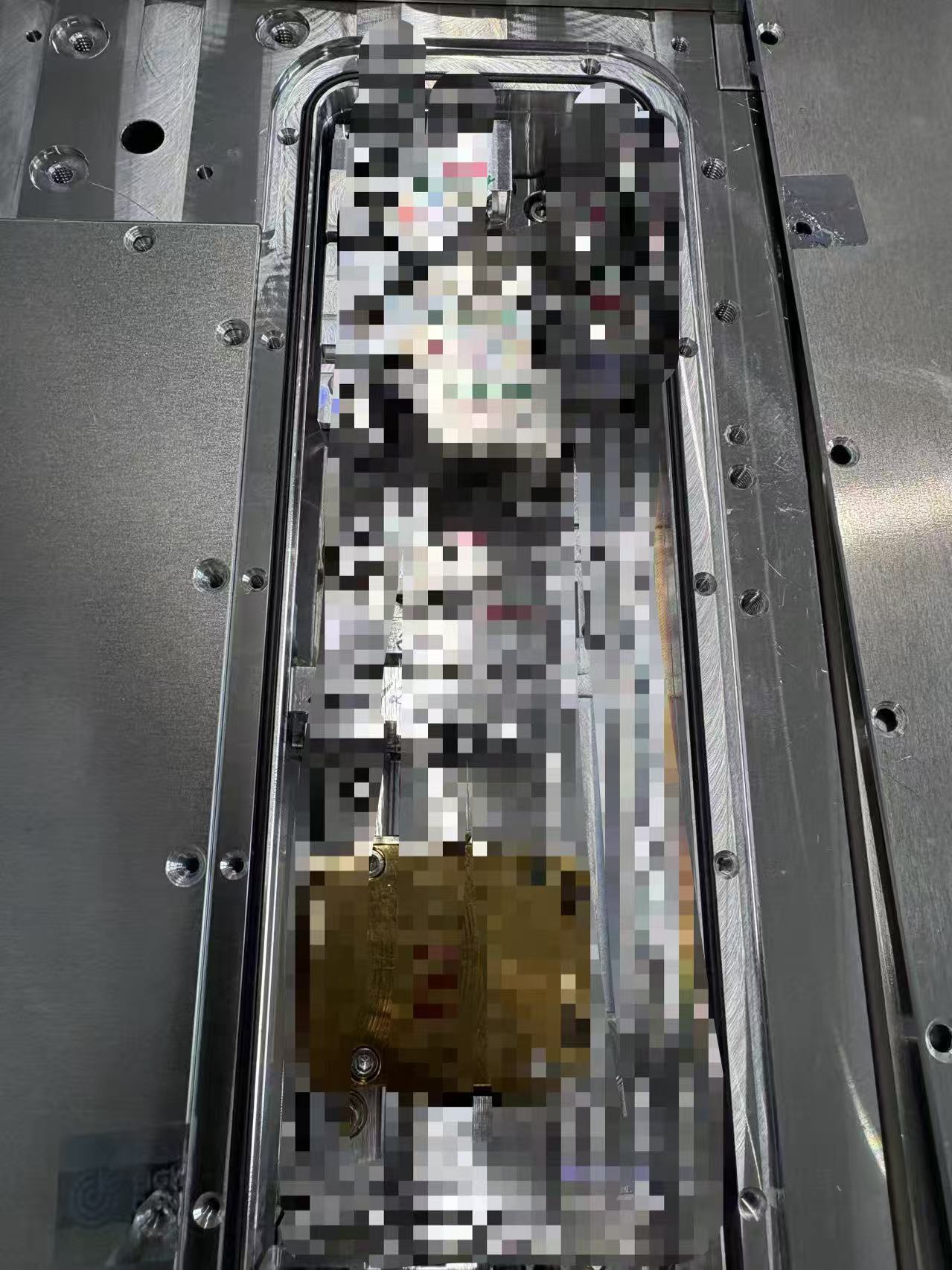
Helpful when equipment photos are already available or when the laser area can be safely inspected.
If the installed laser source is already confirmed, this reference can support compatibility checks and repair discussion.
Use this reference when it appears in service records or can be confirmed from labels and installed-module photos.
These public-facing notes convert recent field feedback into intake guidance. They are not a final diagnosis; they help buyers prepare a clearer first review.
When these symptoms appear, describe the operating state, recent change, alarm behavior, output condition, and whether the issue is intermittent or repeatable.
Use CB-5 as the public shorthand, while asking for photos and labels that confirm whether the issue is cavity, conversion, or window-optic related.
You can begin with the platform identity alone and add the Light Conversion laser reference when it is already known.