Lidar laser repair support for field-ready DPSS and compact solid-state platforms.
This section covers lidar-related laser platforms already identified in your system records, service labels, or equipment photos. Use the device page that matches the source installed in the lidar or atmospheric measurement workflow.
Use the model page that matches the source you recognize. If the installed unit only resembles one of these entries, the RFQ still gives us a solid starting point.
Lumibird
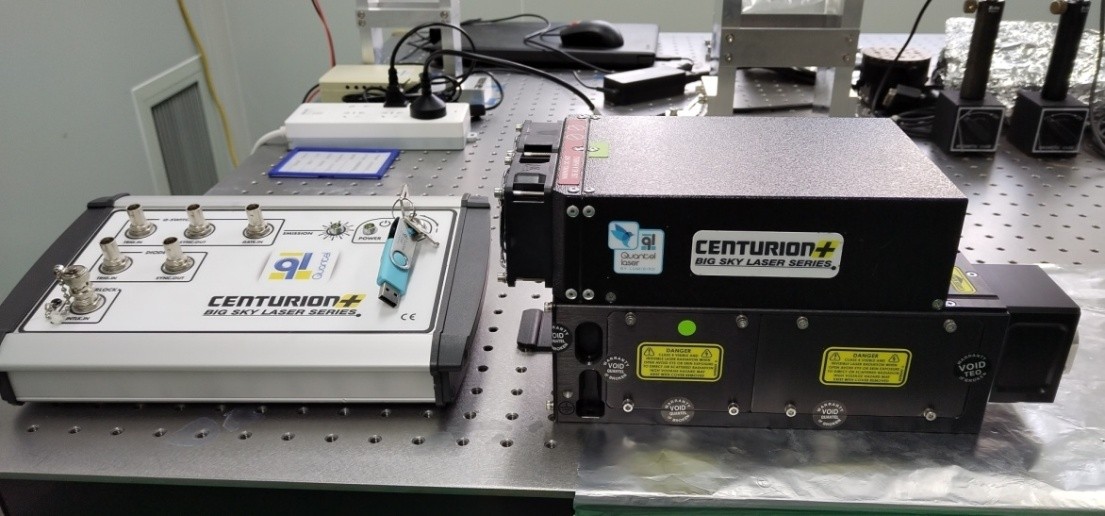
Centurion
Compact solid-state platform commonly referenced in lidar and atmospheric measurement environments.
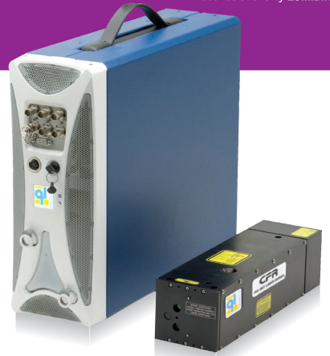
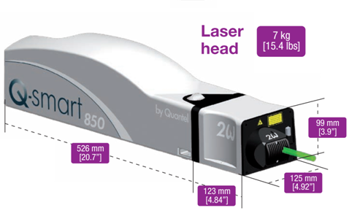
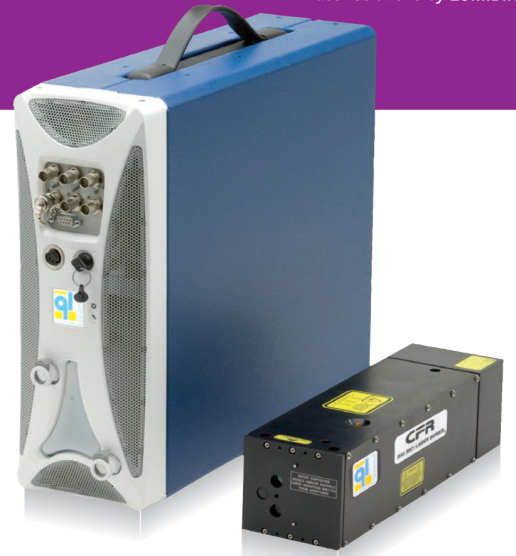
These images give buyers a quick visual cross-check before they open a model page. If your installed unit looks close to one of these references, that is enough to start a useful inquiry.
Lumibird
Centurion
Use Centurion when the external layout or field label already matches this platform family.
Lidar requests usually start from field identity, current output behavior, and deployment urgency.
Most lidar-side reviews begin with a known platform name, a field photo, and a short summary of what changed in startup, timing, or output stability.
Field identity
Use the installed source name first
Centurion, CFR, Q-Smart, or ULTRA4 are usually strong enough starting points when the field unit or rack label is visible.
Current behavior
Describe startup, timing, or output changes
Short notes on startup retries, unstable output, or intermittent operation often matter more than long explanations at the first step.
Urgency
Let the review match the deployment pressure
If the source is tied to a field campaign, atmospheric schedule, or installed lidar service window, that should be stated up front.
What Helps Most
Send the model, symptoms, and any field photos you already have.
Lidar cases often move faster when the inquiry includes field configuration notes, startup behavior, output instability, and photos of the source housing or service label.
Best inputs
Model name, deployment context, and current behavior
Tell us whether the issue is linked to startup, output stability, timing, thermal behavior, or service continuity in the field.
Best attachments
Labels, field photos, and alarm notes
Field rack photos, source labels, and a short description of how the issue presents are usually enough to begin evaluation.
Next Action
Open the matching lidar platform page if the model is already known.
If the model is still uncertain, send the field context and photos through RFQ so we can help confirm the closest match.