Rudolph platform repair support for semiconductor manufacturing systems.
This page covers Rudolph platform and subsystem review for semiconductor-side repair, photo matching, and equipment-level discussion.

This page covers Rudolph platform and subsystem review for semiconductor-side repair, photo matching, and equipment-level discussion.
If you are not fully sure which Rudolph platform you have, compare the exterior and equipment-interior views with your system before submitting the RFQ.
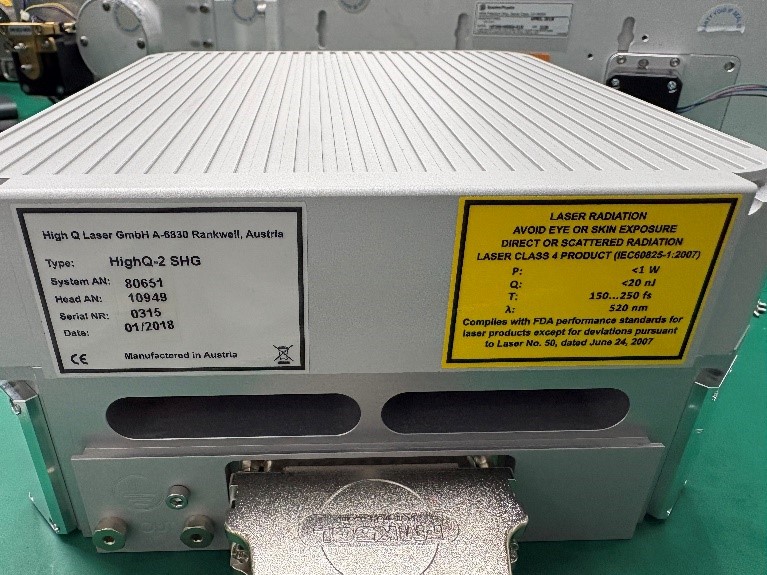
Use the overall platform appearance to confirm whether your system belongs in the Rudolph section.
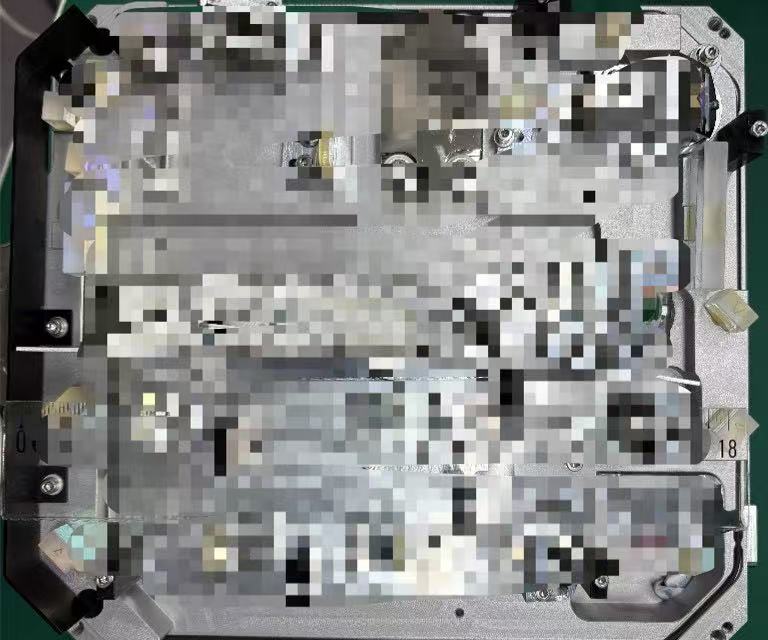
Interior photos help confirm the platform and make later source identification easier.
When the exact equipment tree is not yet confirmed, the most useful first step is usually to match the platform visually and send the current fault context.
If the system is visibly Rudolph-branded, that is enough to place the request in the right section before the model hierarchy is fully mapped.
Whole-unit and opened-unit photos often make it easier to confirm whether the case matches this platform and what materials should be sent next.
Once the brand match is confirmed, the review usually continues through symptom notes, source-area photos, and any visible labels or service references.
You do not need a full family or model taxonomy before reaching out. If the platform is Rudolph-branded, the brand page plus clear photos and symptoms are enough to begin.
Send the visible brand identity, any model labels, and a brief note on whether the system is failing, unstable, or fully offline.
Once the platform is confirmed, the team can help determine whether the case belongs to a more specific equipment section.
These public-facing notes convert recent field feedback into intake guidance. They are not a final diagnosis; they help buyers prepare a clearer first review.
When these symptoms appear, describe the operating state, recent change, alarm behavior, output condition, and whether the issue is intermittent or repeatable.
Keep this as a brand-level page unless a buyer can provide a high-frequency submodel or a clear laser-source label.
If the platform branding is visible but the exact model is not, that is still enough to begin the review and file exchange.