Use the research section when the installed platform is already known and the immediate need is service review, source continuity, or compatibility judgment.
Scientific research laser repair support for laboratory and specialty source platforms.
This section covers research-side platforms where the installed source is already visible and the next step is review, repair planning, or replacement discussion with as little ambiguity as possible.
Open the page that matches the platform already installed in the system. If the exact model is still uncertain, photos and labels can still be used to confirm the closest path.
Coherent
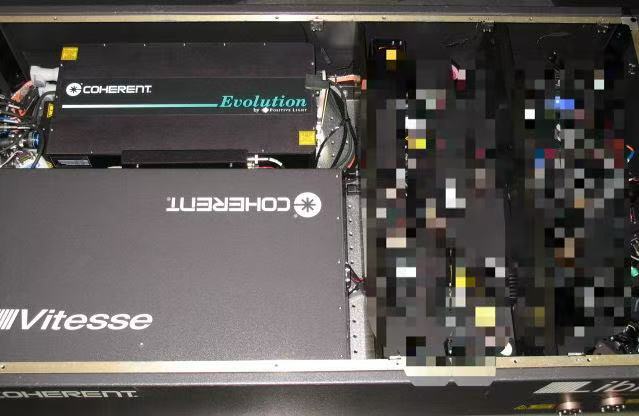
Libra
Research-side platform page for repair assessment, source review, and practical next-step planning.
Research-side reviews usually begin with platform identity, current operating behavior, and available lab notes.
For laboratory systems, a good first message is normally short and specific: the installed platform, what changed, and any images or notes that confirm the current condition.
Platform identity
Use the known source name first
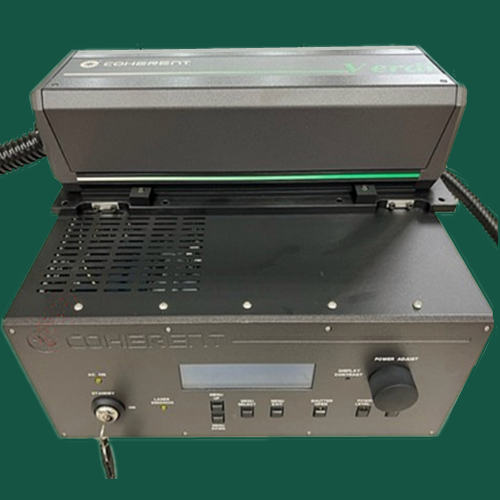
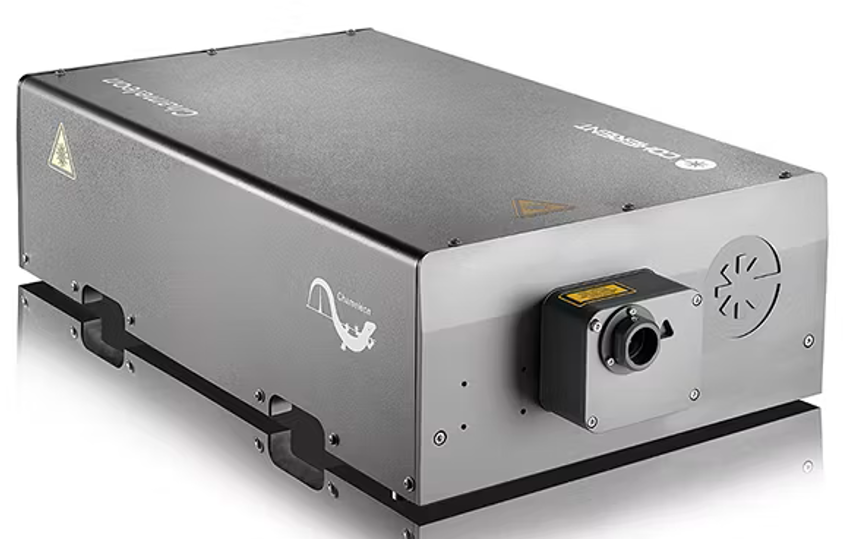
Libra, Verdi V18, and Chameleon Ultra are good starting points when the installed platform is already recognized from the source housing or label.
Operating behavior
Describe what changed in use
Startup issues, output drift, instability, or a sudden change in operating behavior help frame the review without exposing unnecessary internal detail.
Lab notes
Add photos, labels, and brief service history
Even a short note on previous service, current state, and visible labels often gives enough context to begin a focused conversation.
What Helps Most
Send the platform name, visible labels, and current operating symptoms.
Research-side systems are often reviewed fastest from source identity, operating behavior, and clear images of the installed unit rather than long written explanations.
Best inputs
Platform, symptom, and current lab state
Include the known platform name, what changed, and whether the issue is continuous, intermittent, startup-related, or tied to power or stability.
Best attachments
Labels, source photos, and any fault notes
Photos of labels and the installed unit often accelerate identification even before deeper troubleshooting begins.
Next Action
Use the model page that matches the research platform already installed.
If the exact match is still uncertain, the RFQ form is the fastest way to start with labels and photos.